
Anime guides
AniFam Guides
Setup walkthroughs, watchlist guides, playback fixes, and safe install checks for AniFam, written from testing on real phones and a real TV.
 Guide AniFam for PC: Watch Anime on a Computer the Honest Way AniFam is an Android app, so PC watching runs through an Android emulator. This guide covers the emulator route, the big screen setup, and what to check before a long session. Read guide →
  Guide AniFam Not Working: 7 Fixes That Cover Most Faults AniFam fails in a few repeatable ways: a dead source, a stale cache, a network change, or a bad install. Work through these seven fixes in order before reinstalling. Read guide →
 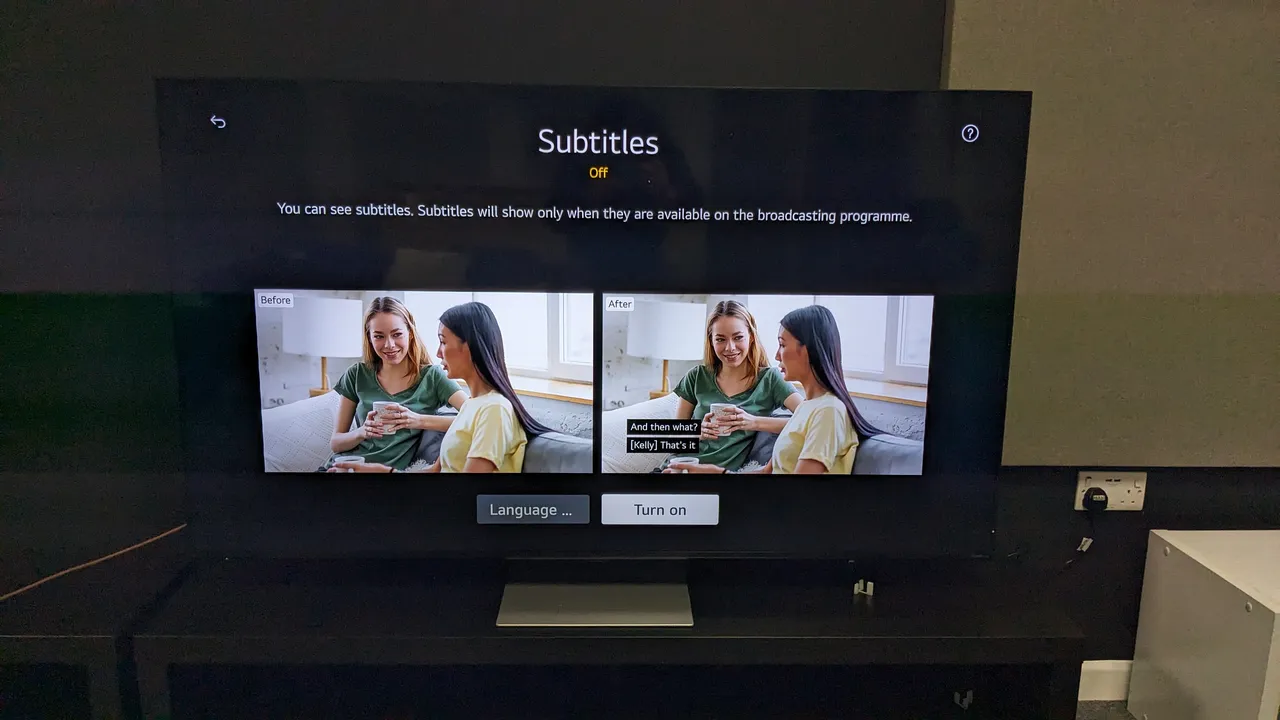 Guide AniFam Sub vs Dub: How to Pick the Right Audio for Each Title Sub and dub are not a loyalty test. Some titles shine in original audio with subtitles, others play better dubbed. This guide helps a viewer choose per title instead of once for everything. Read guide →
  Guide AniFam Watchlist Import: Bring Your AniList or MyAnimeList List Over Rebuilding a watchlist by hand wastes an evening. AniFam can import a list from AniList or MyAnimeList, so years of planned titles arrive in one move. Read guide →
  Guide AniFam on Android TV: Remote Setup From Install to First Episode AniFam on a TV answers to the remote alone. This guide covers the downloader install, the permission step, and the remote moves that run the whole app. Read guide →
  Guide AniFam Continue Watching Not Saving: Causes and Fixes Continue watching is the feature that saves the most time, so a broken one hurts. This guide covers why progress stops saving and how to bring it back. Read guide →
  Guide AniFam Offline Download: Save Episodes for Commutes and Flights Offline episodes turn dead time into watch time. This guide covers which episodes can be saved, how much space they need, and how to manage them. Read guide →
  Guide AniFam Genres Explained: Which Shelf Fits Your Mood Genre shelves are the fastest way to find a next series. This guide walks the main genres, what each one delivers, and where to start in each. Read guide →
  Guide AniFam Schedule: Never Miss a Weekly Episode Again Weekly anime lives or dies by its airing day. The schedule screen shows which episodes air on which days, so a fan can plan the week around them. Read guide →
  Guide AniFam Watch2Gether: Watch Anime With Friends From Anywhere Watch2Gether turns a solo episode into a shared night. This guide covers starting a session, keeping everyone in sync, and picking titles that work for a group. Read guide →
 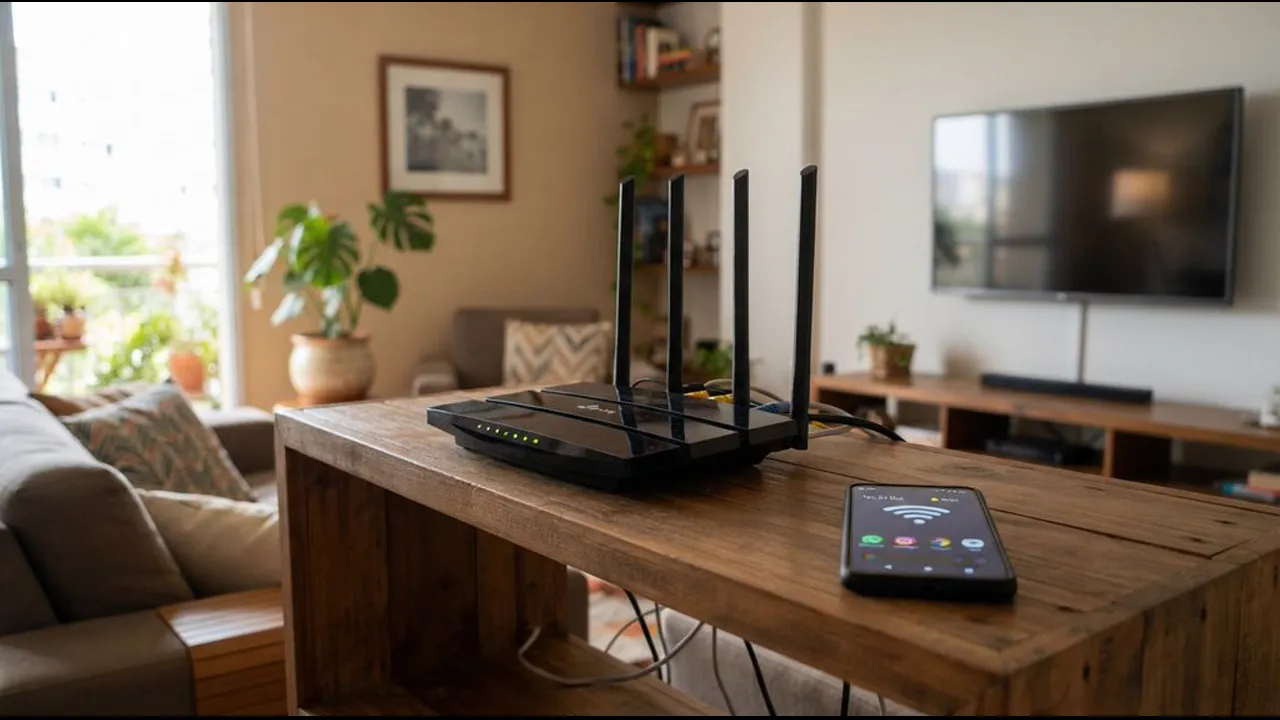 Guide AniFam Buffering Fixes: Smooth Playback on Slow Connections Buffering ruins a good episode. Most buffering faults come from the network or the source, not the phone, and most have a quick fix. Read guide →
  Guide AniFam Search Tips: Find Any Title in Seconds Search looks simple, but a few habits make it far faster. This guide covers partial names, genre filters, and what to do when a title does not appear. Read guide →
  Guide AniFam My List: Organise a Watchlist That Actually Gets Watched A watchlist grows until it paralyses choice. My List tabs, a weekly top three, and a regular tidy keep a queue watchable. Read guide →
  Guide AniFam New Episodes: How the Recently Added Shelf Works The recently added shelf is the fastest way to stay current. This guide explains what it shows, how to use it, and how to avoid missing a premiere. Read guide →
 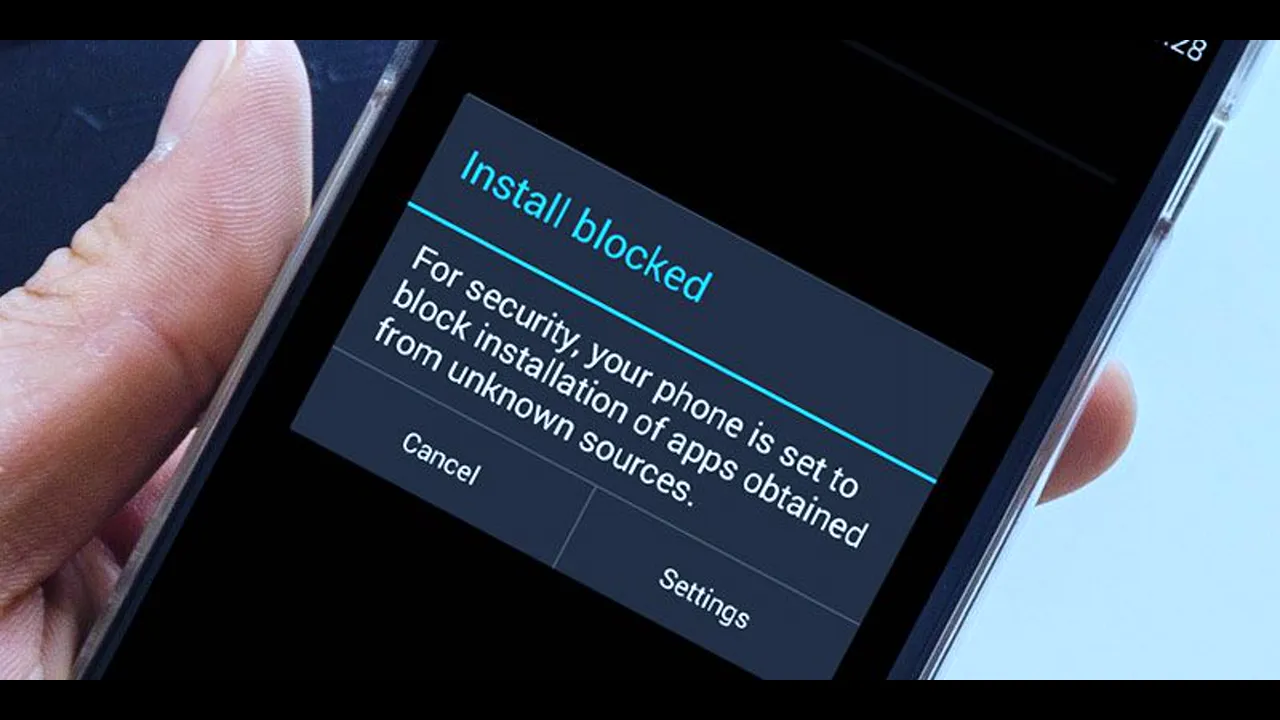 Guide AniFam Safe Install Checklist: 6 Checks Before You Tap Install Installing outside a store is safe when it is careful. Six checks, done once, cover file, permissions, and a way back. Read guide →
  Guide AniFam vs Licensed Streaming: An Honest Comparison for Anime Fans Free anime apps and licensed services serve different needs. This comparison weighs catalogue, cost, quality, and legality without hype for either side. Read guide →
  Guide AniFam on an Older Android Phone: Making It Work Well AniFam needs only Android 7.0, so older phones can run it. This guide covers storage, battery, and playback settings for a smooth experience on modest hardware. Read guide →
  Guide AniFam Trending vs Top Airing: Which Shelf Should You Trust Trending and top airing answer different questions. One shows popularity, the other shows what is airing now. Knowing the difference changes what you discover. Read guide →
  Guide AniFam Episode Order: Watching Long Series Without Getting Lost Long anime series have hundreds of episodes, specials, and movies. This guide explains how to follow episode order and where specials fit. Read guide →
 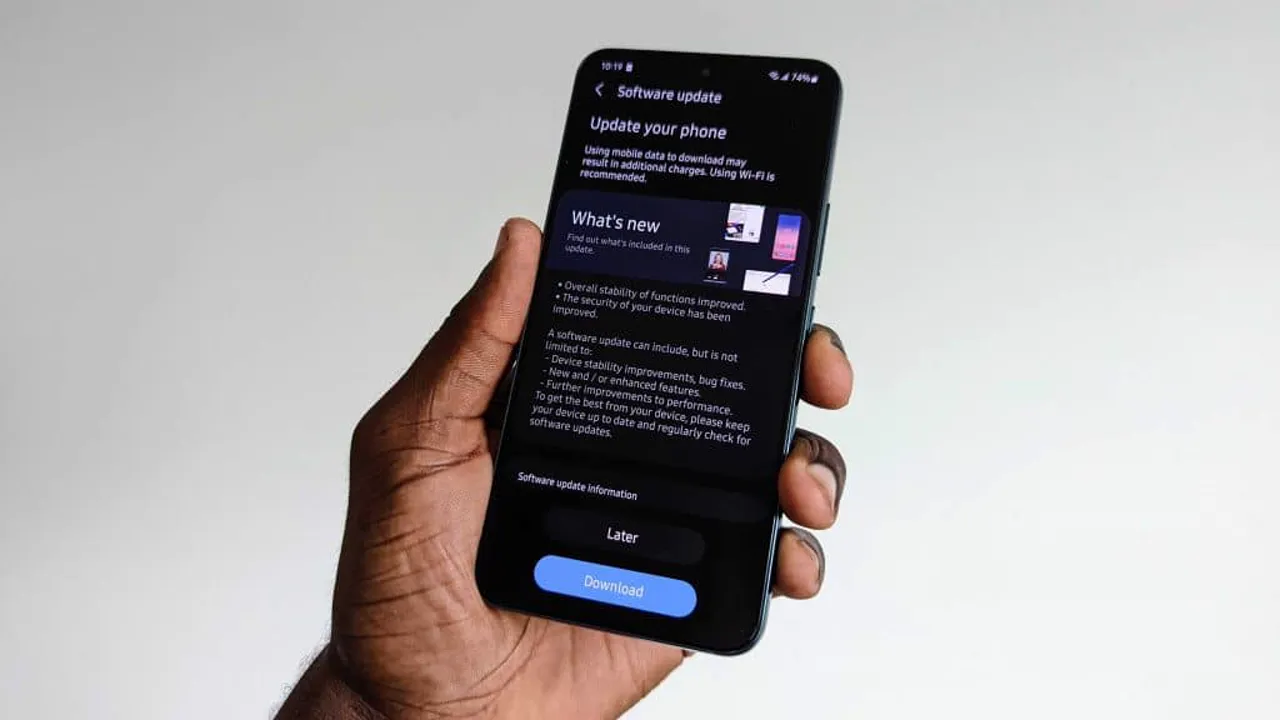 Guide AniFam Update Without Losing Your Watchlist: The Safe Method Updates should not cost a watchlist. Installing over the existing app, checking My List, and re-importing when needed keeps the queue safe. Read guide →